The office crew that works
while yours sleeps.
A personal AI agent built for restoration companies. Inbox sorted before the first call. Bookings watched around the clock. Posts, briefs, and follow-ups drafted — and nothing sends without your approval.
Get the $7 Starter Pack
Under the hood
Four parts, the same ones any good hire needs: a desk of its own, skills it can reuse, a memory that lasts, and a hard rule about approvals.
Its own computer
Every agent gets its own computer — browser, terminal, files — that you can watch live and take over at any time.
Skills, written once
Show it a job once and it becomes a reusable skill. Skills run as routines on a schedule, whether you're awake or not.
Memory that stays yours
Plain-text files you can read, edit, and keep. Priorities, projects, people — remembered across every job.
Nothing sends without approval
Drafts wait for a human tap. The agent prepares; you decide. Every send, post, and booking change passes a person first.
Built for restoration, first
Six jobs no generic agent ships with — written for the way restoration companies actually run.
Plus the full office — eighteen jobs, day one
The general office work, prebuilt. Jobs marked LIVE are running today on the owner's real accounts.
Calendar, overnight email that matters, today's weather — one page, ready when you are.
Every message labeled and prioritized; money items escalated, noise buried.
Drafts in your voice, waiting for your tap. Nothing sends itself.
New bookings classified — prospect, customer, sales pitch — with a five-line pre-call brief.
Stale threads surfaced with a draft ready, so nothing dies of silence.
Calls booked, buffers kept, conflicts caught before they happen.
What's actually sitting unsent in your drafts, reported weekly — no phantom "I sent it."
Three ways your Muse can run it
The pack teaches all three. Pick the one that fits your shop — switch any time, it's the same files.

On its own computer
The standard setup: your agent on its own cloud computer. Watch it work, take over any time. For owners who want the full office running from day one.
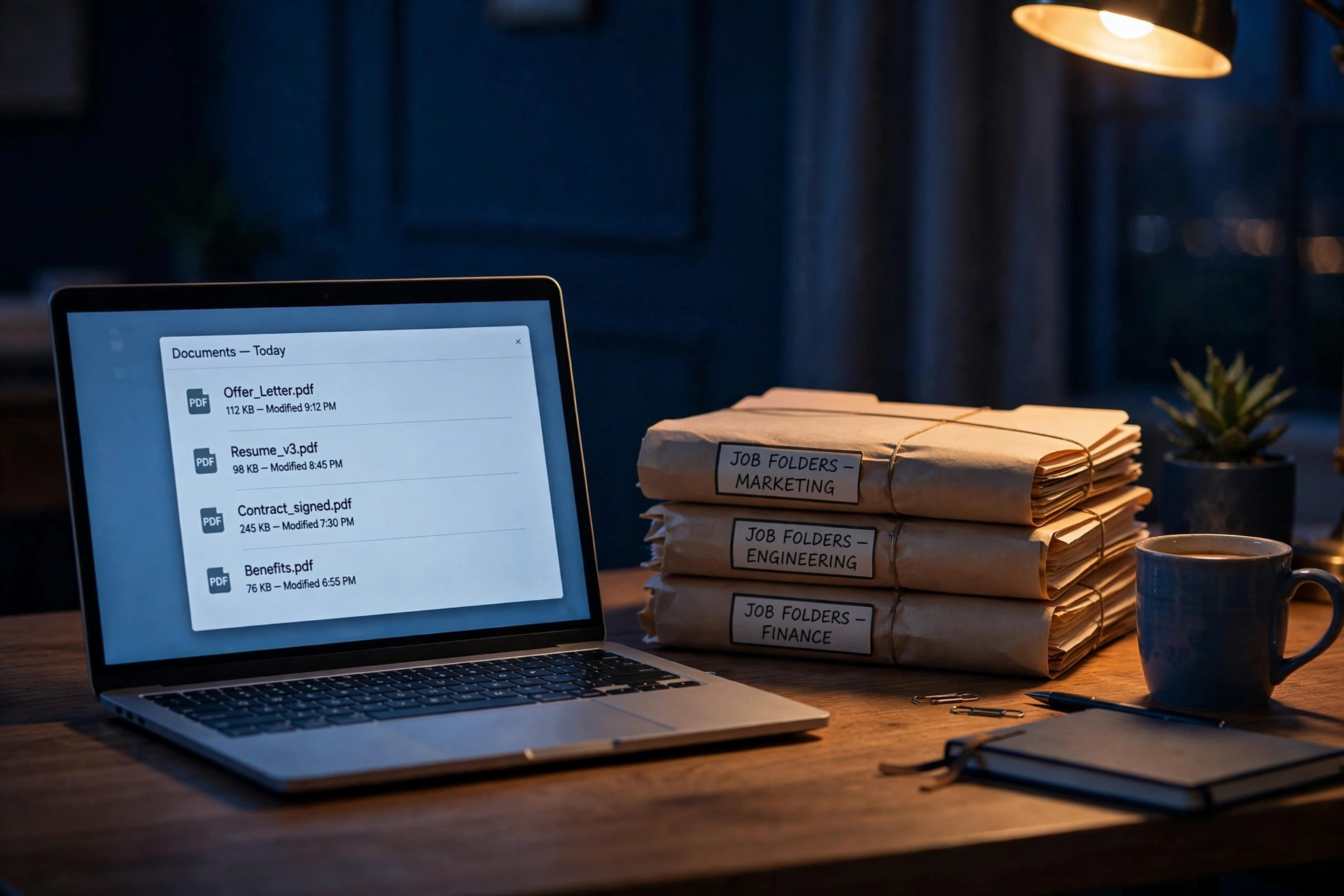
Edge — your laptop stays home base
Your files stay on your machine. The agent visits — it doesn't move in. Working files, photos, and records stay on your own laptop; while a job runs, the agent reaches them over a private encrypted tunnel, and nothing is copied out permanently. The honest contrast: a pure-local bot runs a smaller open-weight model on your hardware, alone. Edge pairs data that stays home with a frontier model that visits.
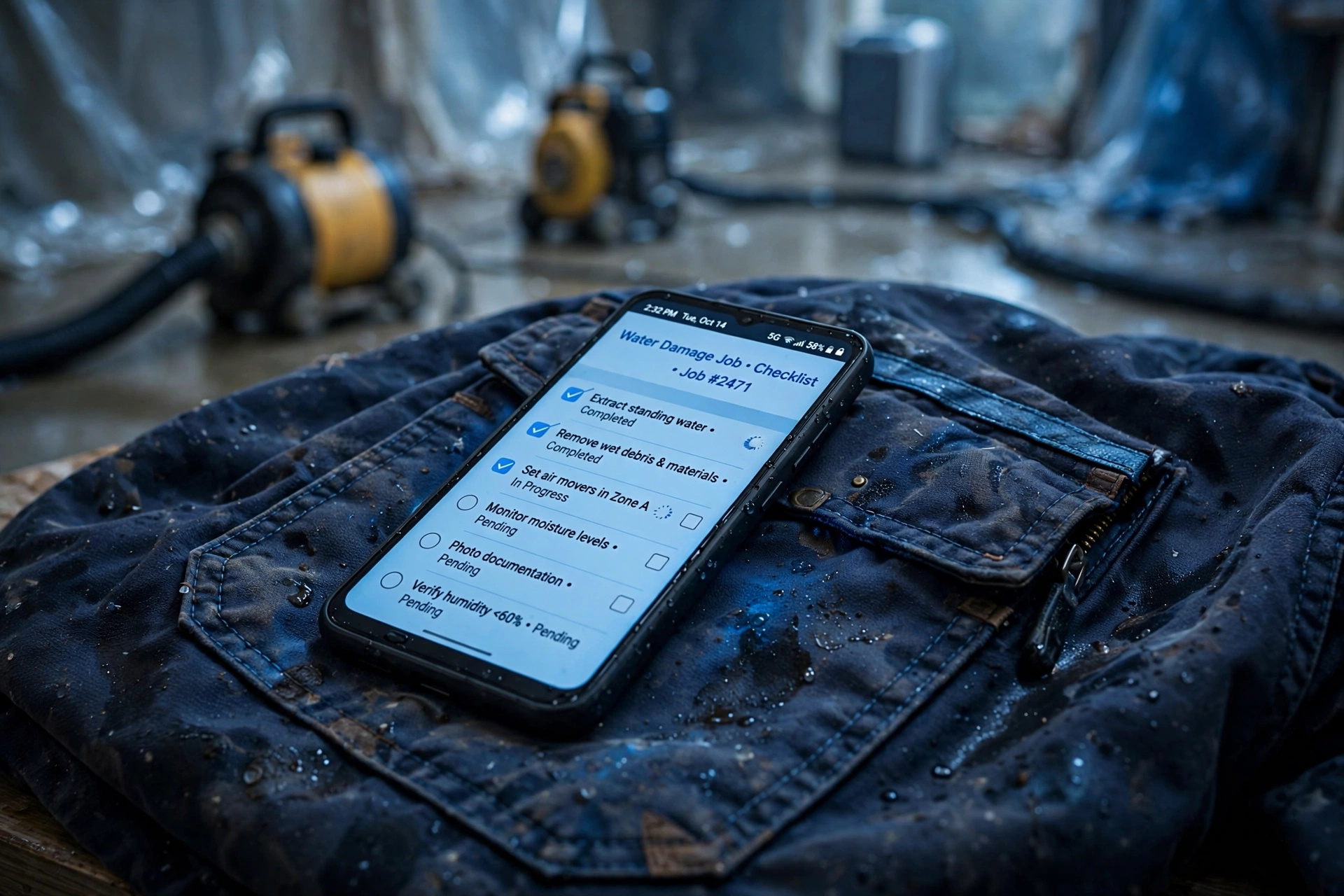
Light — phone-only
The computer is already in your pocket. A full Linux environment (Termux) turns an ordinary Android phone into a real computer — files, code, APIs, schedules, data on-device. You talk to the agent through the app or messaging. Demonstrated on a Moto G24 that built and served a working web dashboard entirely on-device.
Receipts, not promises
Everything below happened on the owner's real accounts. Dates and counts are the record, not the brochure.
Tue Oct 13, 2026 · 9:00 AM PT
Morning brief generated live from real Gmail and Calendar — the same brief format this product sells.
Overnight · Oct 12–13
Inbox run sorted 364 messages, applied 397 labels, 0 failures — and escalated exactly one money item.
First booking · Oct 13
The appointment setter caught its first real booking (Thu Oct 15, 10:45 AM PT), classified it, and sent the brief automatically.
Last night · Oct 12
The same stack sent 252 LinkedIn invitations and scheduled a week of posts across three business profiles.
What his does that this doesn't — yet
Printed on our own page, because a product that hides its gaps is asking you not to look.
- Open-source and self-hostable — his win. PageLines' engine can run entirely on your own hardware. SecondShift runs on Meta's cloud.
- Fully local models — his win. His stack can run open-weight models on your machine. Our brain is a frontier model in the cloud; Edge mode keeps your data home, not the model.
- Model-agnostic — his win. His bot takes almost any model. Ours is Muse.
- No CRM connected yet — our gap. Today it runs on Gmail, Calendar, and Drive. CRM wiring is the next build, and we'll say so until it ships.
The Starter Pack — this is the product.
Everything on this page runs on files — Muse skills, plain text, no magic. The Starter Pack is those files, packaged. Get a Muse account, drop the pack in, and your Muse sets itself up the same way ours runs: a filing system it actually follows, the job skills, the approval rules, and a setup guide written for humans.
- The filing system — where everything lives on your agent's computer, so it stores things right the first time
- The Restoration Six + core office skills in ready-to-install skill format
- The priorities brief template — five lines that teach it your business
- The approval rules — nothing sends, posts, or books without your tap
- Optional: connect your Google Drive, Microsoft, or Box whenever you're ready — the pack works on the built-in files alone
$7 — one time. Your Muse subscription is your own; the pack is the know-how.
Set up in about 3 minutes
And when your bot hits a wall…
That's the honest deal with the $7 pack: most people will run it, do cool things with it, and never need us again. Good. But sooner or later your Muse will meet a job somebody says can't be done — a system that won't connect, a workflow with no template, a build that needs hands.
That's what Tygart Media actually sells. Bring us the wall. We build the advanced stuff with you — the same way this page, this pack, and every receipt on it got built in a single morning.